April 24, 2014, 12:14
today Plugins with compact framework
The following today or home screen plugins for Windows Mobile are based on a work of CrisText at codeplex.
The codeplex sources provide a framework to create home screen plugins very easily.
You just start a Form or UserControl and add the attribute “[TodayScreenItem(“a unique name”)]” before the class. Further on, the framework looks for such plugins dynamically and you can add or remove plugins by just adding or removing DLLs.
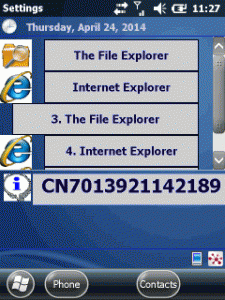
I did two plugins, one shows the Intermec device ID and the other enables you to have buttons on the home screen to directly launch applications.
Show some information
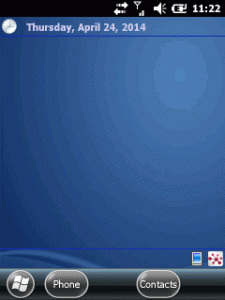
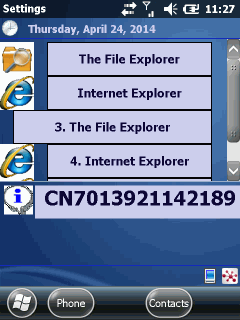
The first plugin is very simple. An user control that just shows some static text (see the lower info on the screen shot):
Continue reading ‘Mobile Development: writing today screen plugins the easy way’ »
October 19, 2012, 13:55
This time I combined a set of functions to clear the Start Menu and the Today/Home Screen:
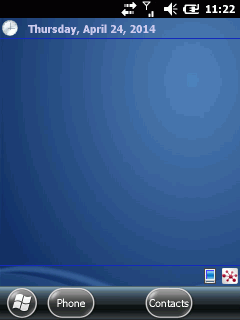
Before
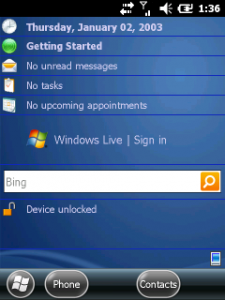
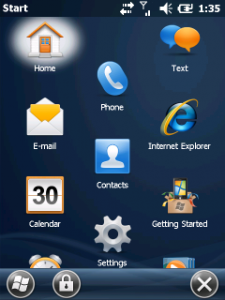
After
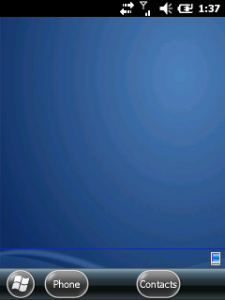
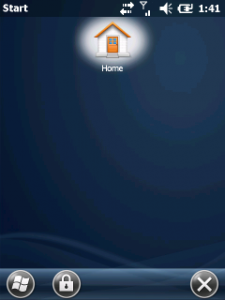
Continue reading ‘Windows Mobile: Kiosk mode – Clear Today and Programs’ »
March 28, 2010, 11:04
Hello
as a developer I always need to know the current IP address of a device. Normally it takes 5 or more taps to get the current IP of an device, so I wrote this today screen plugin.
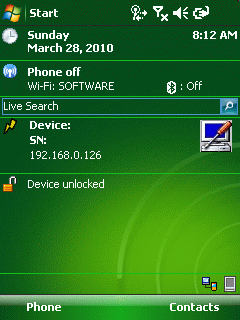
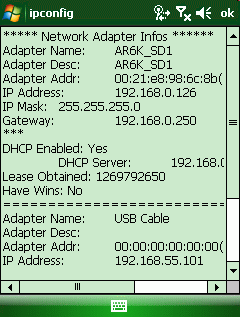
iInfo today will show the current main IP, the model code (except for the always other CN50) and the serial number (except for CN50 🙁 )of the ITC device. Additionally the tool comes with IP config like tool, that shows some more info about current network connection (WINS, DNS etc). And tapping the tool symbol on the right you will beam directly to the connection settings applet.
Continue reading ‘ITC: today plugin showing current main IP address and model and serial code’ »
March 17, 2010, 18:34
One more small tip:
to change the today screen softkeys, simply change the following registry keys:
REGEDIT4
[HKEY_CURRENT_USER\Software\Microsoft\Today\Keys]
[HKEY_CURRENT_USER\Software\Microsoft\Today\Keys\112]
@=”Pocket Excel”
“Open”=”\\Windows\\pxl.exe”
[HKEY_CURRENT_USER\Software\Microsoft\Today\Keys\113]
@=”PocketWord”
“Open”=”\\Windows\\pword.exe”



 http://www.led-mg.de