July 6, 2015, 12:11
I have added two new build variants to rdesktopce_rdp5 (see also older article).
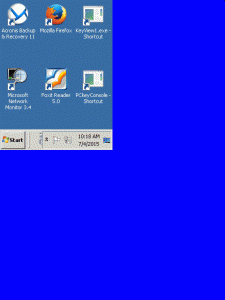
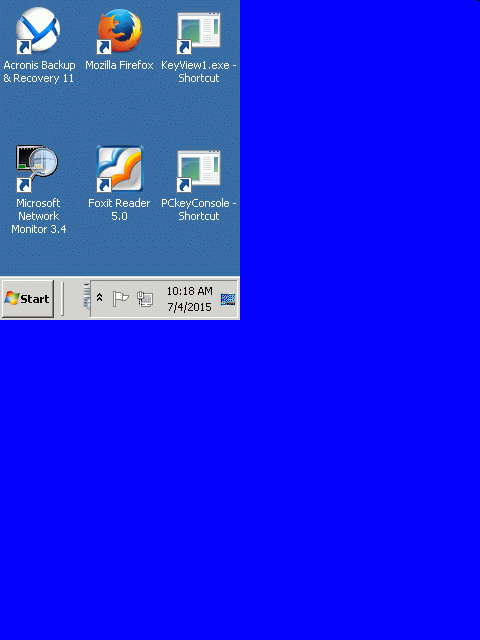
The normal builds make Windows Mobile ‘think’ the app is HI_RES_AWARE and so QVGA screens (see geometry setting in winrdesktop.ini) are NOT scaled to the larger screens of current devices:
with HI_RES_AWARE and geometry=240×320 on a WXGA screen:
Continue reading ‘rdesktopce builds done with LOW_RES ‘marker’’ »
September 17, 2014, 18:55
This is the description of my btPrint demo app to print demo files to portable bluetooth label/receipt printers. I already did the same app for android and now wanted to do the same for windows phone 8.
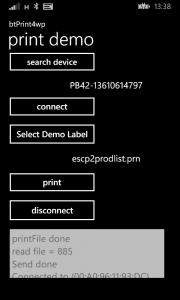
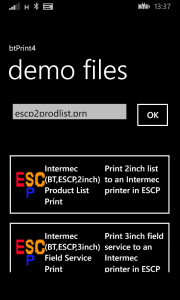
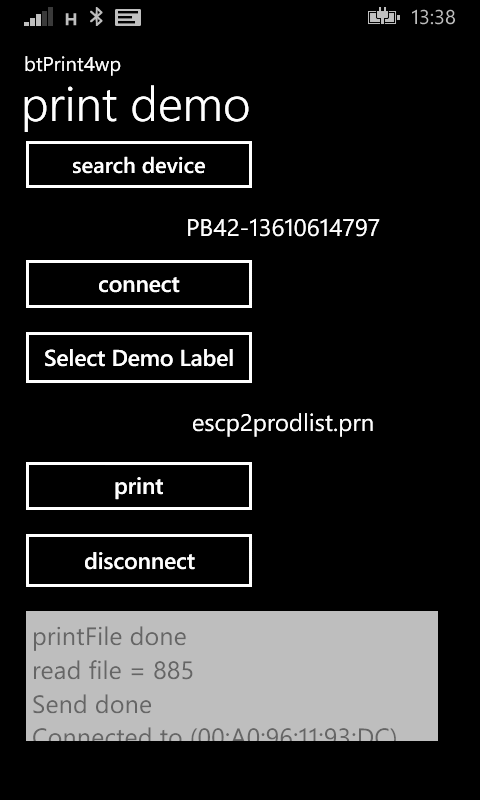
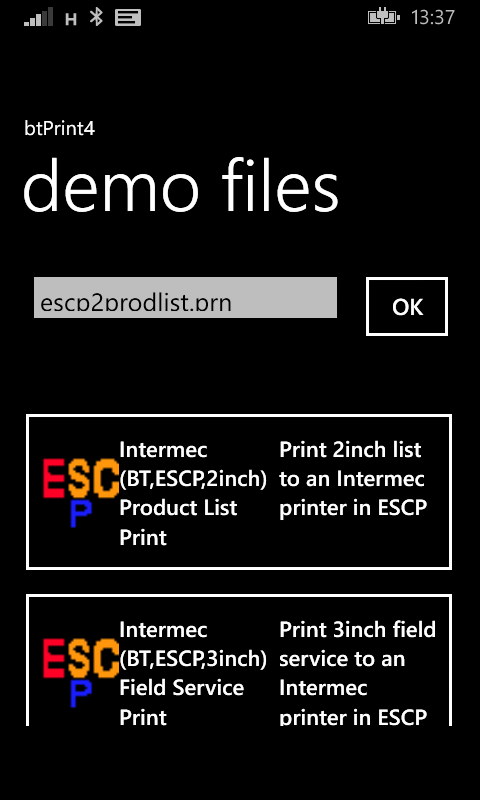
The app starts with the main screen where you select a bluetooth printer, connect, select a demo file and let it print.
Continue reading ‘Windows Phone 8: print demo for bluetooth label/receipt printers’ »
Tags:
bluetooth,
CodeProject,
demo,
label,
Phone 8,
print,
Programming,
receipt,
Windows Phone Category:
CodeProject,
Programming,
Uncategorized |
Comments Off on Windows Phone 8: print demo for bluetooth label/receipt printers
August 29, 2014, 13:54
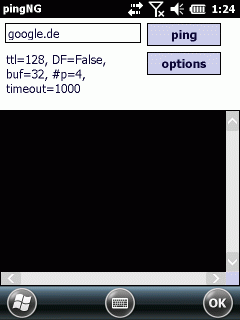
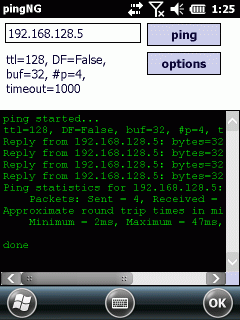
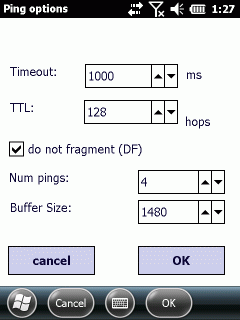
As I needed a tool to test the maximum MTU size for a network, I needed a ping tool where I can define the packet size and the DF (Do Not Fragment-Flag). As I did not find such a tool, I wrote PingNG.
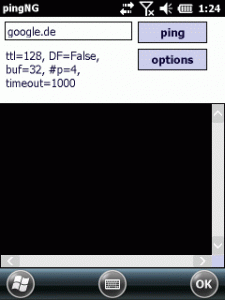
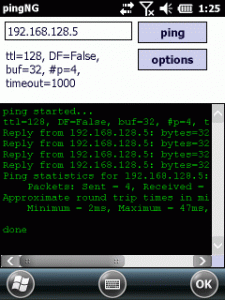
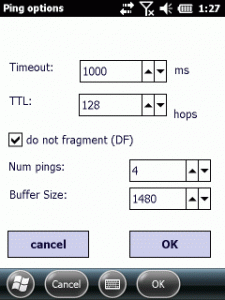
It is a simple tool but the code had to avoid some pitfalls.
Continue reading ‘Mobile Development: PingNG-the next generation ping’ »
Tags:
CodeProject,
Compact Framework,
CSharp,
DF,
do not fragment,
icmpreply,
MSS,
MTU,
ping,
Programming,
windows mobile Category:
CodeProject,
Programming,
Tools |
Comments Off on Mobile Development: PingNG-the next generation ping
April 24, 2014, 12:14
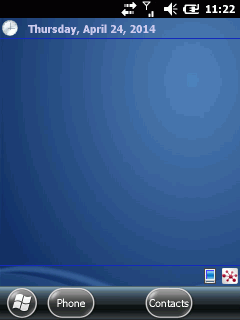
today Plugins with compact framework
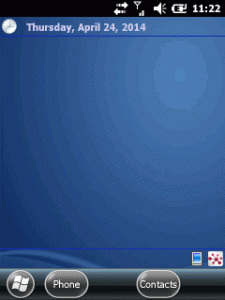
The following today or home screen plugins for Windows Mobile are based on a work of CrisText at codeplex.
The codeplex sources provide a framework to create home screen plugins very easily.
You just start a Form or UserControl and add the attribute “[TodayScreenItem(“a unique name”)]” before the class. Further on, the framework looks for such plugins dynamically and you can add or remove plugins by just adding or removing DLLs.
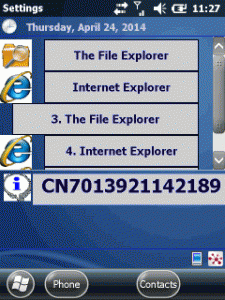
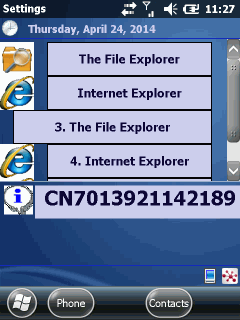
I did two plugins, one shows the Intermec device ID and the other enables you to have buttons on the home screen to directly launch applications.
Show some information
The first plugin is very simple. An user control that just shows some static text (see the lower info on the screen shot):
Continue reading ‘Mobile Development: writing today screen plugins the easy way’ »



 http://www.led-mg.de