Transmit data from WinMo device to PC: SocketWedge and SocketSend
Although you may find this combination useless, here is something that will transmit data from a Windows Mobile device to a PC and the PC will type (like a barcode scanner keyboard wedge) the transmitted data.
The workflow theory is:
- You scan a barcode or RFID TAG and the data is wedged into the SocketSend input textbox or you type some text into the textbox.
- You connect your mobile device to the network, where you have a Windows PC running SocketWedge.
- On the mobile within SocketSend you tap the transmit button and the data is send to SocketWedge.
- SocketWedge receives the data and puts it in the keyboard message queue of a defined application.
- The data is typed into the target application.
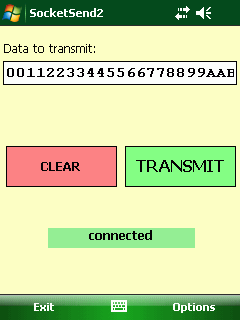
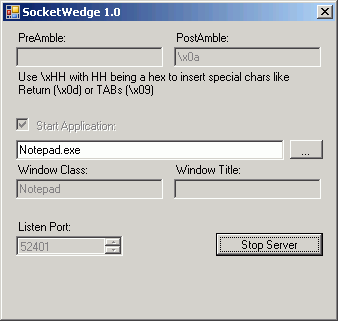
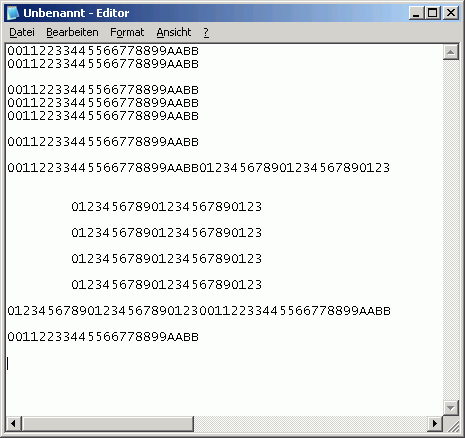
There are some code snippets you may find usefull for your apps:
On the Mobile (SocketSend)
- A background task that does ping a server and gives status back
- A ping coded for compact framework
On the PC (SocketWedge)
- Background threads that accept socket connections
- A nice keyboard input emulation using SendInput
- A hex encoder/decoder, yo you can use \xHH for hex input of special chars
Attached are the source codes for Visual Studio 2005 targeting Windows or Windows Mobile 6 SDK:
[Download not found] [Download not found]Executables:
[Download not found] [Download not found]


 http://www.led-mg.de