Windows Mobile: Kiosk Mode Series, part 1
Hello
I would like to start a series of articles of how you can lockdown your application user in your application. How can you achieve a kiosk mode application, where the user is only allowed to do what you define.
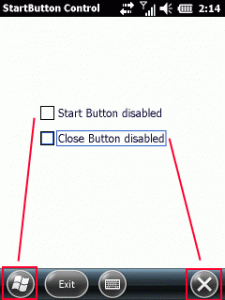
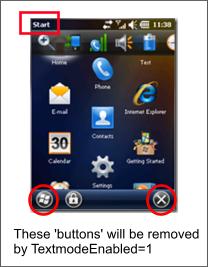
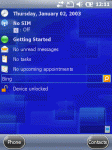
The first article is about the Windows Start and Done Icon in menu bar and about fullscreen. You may already know, how to hide the start and done icon permanently from a Windows Embedded Handheld (Windows Mobile 6.5.3) device: Link
But there is also a temporary way using the same approach. The trick is to change the registry keys, that make the OS believe you have hardware buttons for Start and Done, BEFORE you show your CSharp form.
Before Windows Embedded Handheld (WEH, or Windows Mobile 6.5.3), you are able to use SHFullScreen API calls. But this will not work with WEH. Neither the flags SHFS_HIDESIPBUTTON nor SHFS_HIDESTARTICON will work. The LockDown.cs class also includes code for that and you may test the functions with the Test-Application.
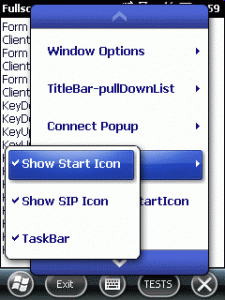
The class I am talking about is called LockDown. There is also a Test-Application (OEMTitleBarHandler, dont ask me about the name selection) to test all functions I will describe.
Continue reading ‘Windows Mobile: Kiosk Mode Series, part 1’ »



 http://www.led-mg.de